See BlogToBook in action
From a public archive URL to a real EPUB you can open in your e-reader.
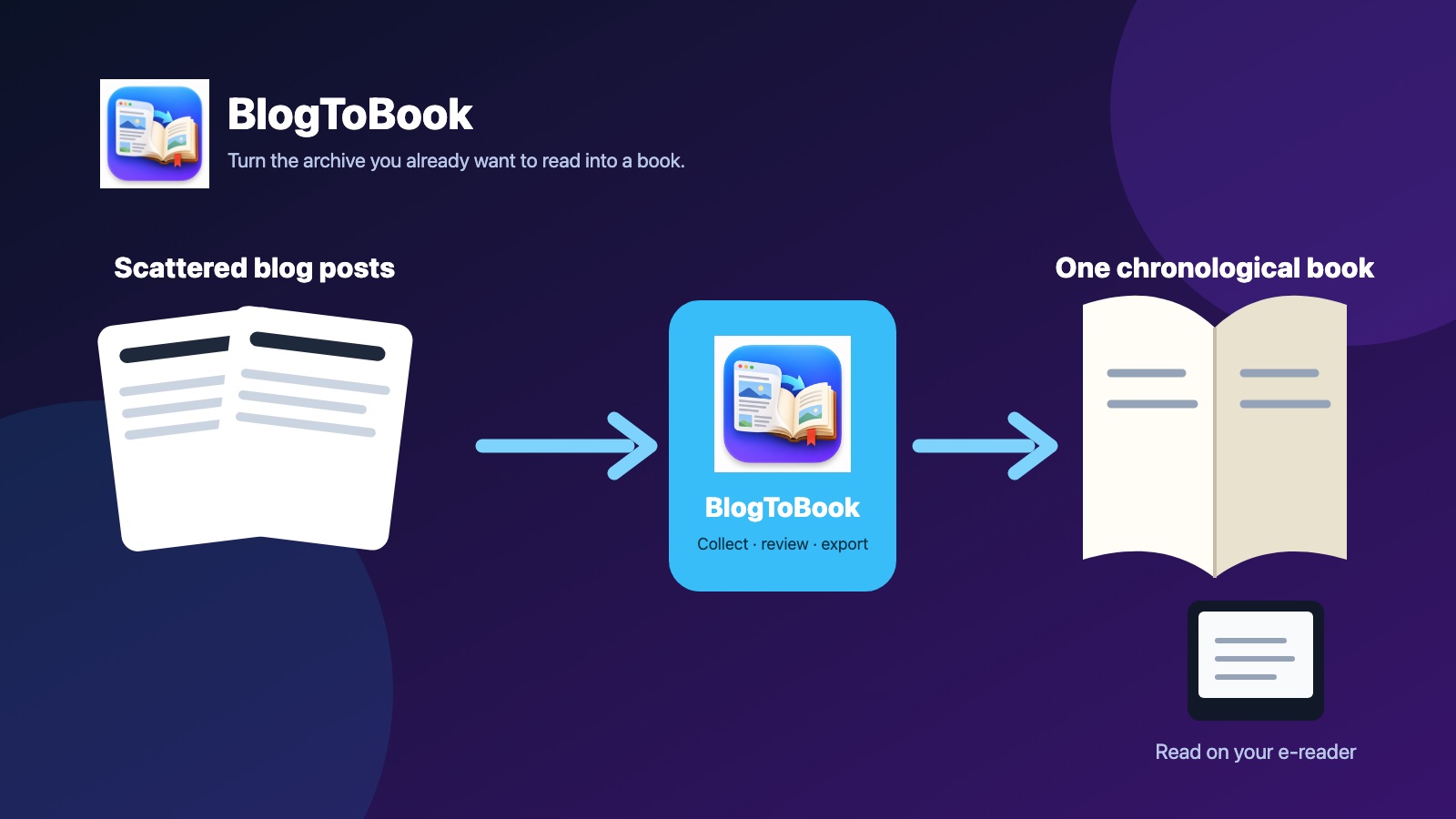
From public archive to EPUB
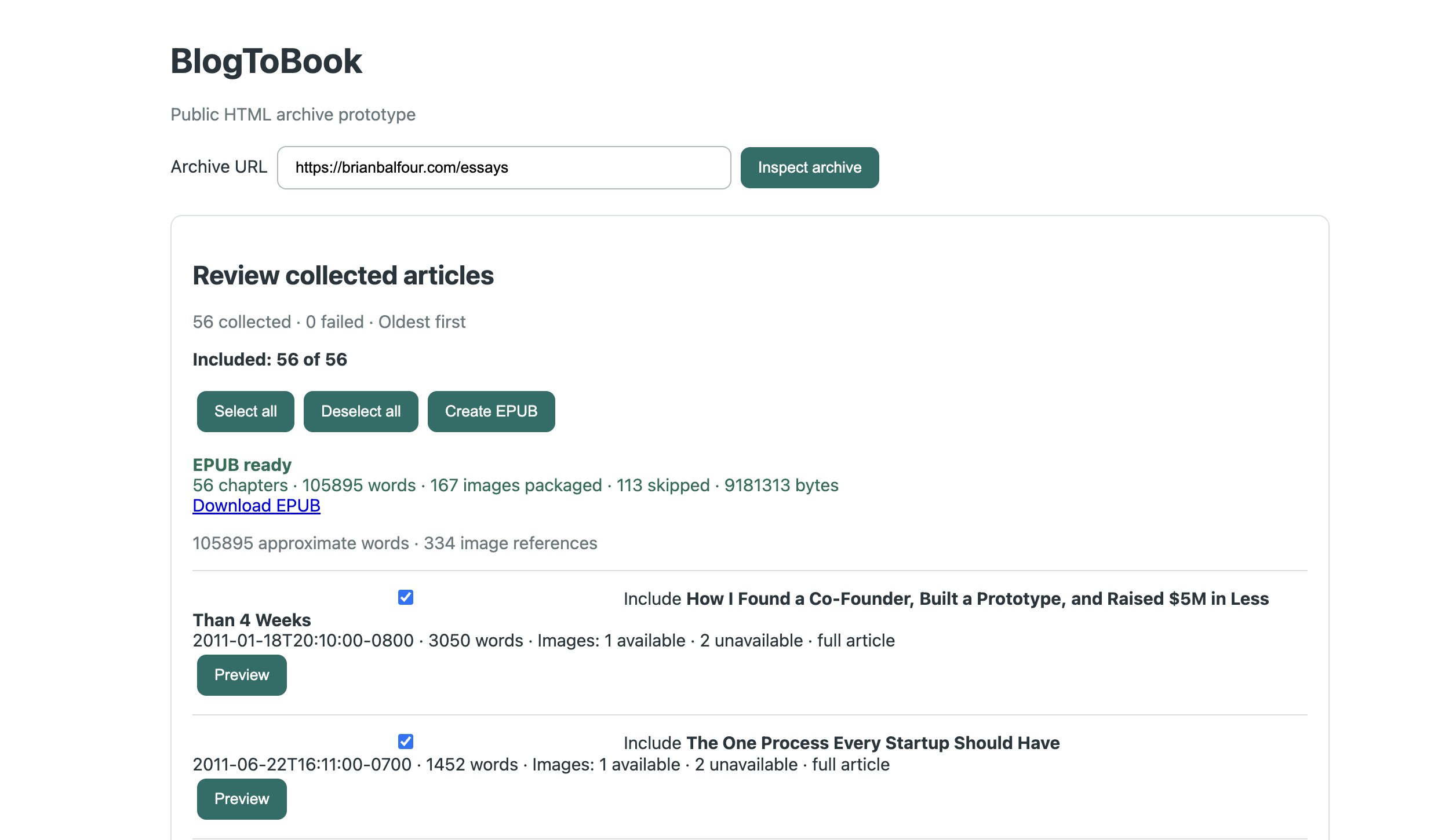
Public Substack example: Sebastian Röhl's archive yielded 81 publicly discoverable articles across 8 archive pages.
Paste archive → Inspect → Collect → Review → EPUB
From archive to e-reader
- Paste the public blog or archive URL you already want to read.
- Inspect the archive, choose publication years, and estimate the EPUB size.
- Collect articles, then review titles, dates, previews, and selection.
- Download a chronological EPUB for Kindle, Apple Books, or another e-reader.
Built for archive reading
Turn public blog and newsletter archives into chronological EPUB books.
Choose your range
Select publication years before collecting articles, including an explicit undated choice.
Plan the book
Estimate output size before crawling and choose Text Only, Optimized Images, or Original Images.
Read offline
Review the collection first, then read offline on Kindle or another preferred e-reader.
Chronological collection
Follow public archive structures and preserve reading order.
Review before export
Inspect titles, dates, previews, and selection before making the book.
Offline reading
Package safely available images into a local EPUB.
Web or Mac
Try the hosted app instantly, or keep a self-contained app on your Apple Silicon Mac.
Choose your app
Use the hosted app for instant access and one free eligible EPUB export. Additional hosted exports use Founding Access: $19 once, no subscription. The Mac app is a separate $19 one-time license and processes books on your computer.
Questions or refund requests: support@mail.ebmapps.cc.
Refunds are available within 14 days of purchase, subject to applicable law.
BlogToBook collects publicly accessible content only; it does not bypass paid or private posts.